Wildcard Systems for Rapid Character Generation
Introduction
Once you set up a good wildcard system, it’s like having an infinite character factory. I left mine running overnight and woke up to 500 unique characters. Most of them were terrible. But the 50 that weren’t? Chef’s kiss.
That’s the entire philosophy of wildcard-driven generation: volume plus curation. Instead of painstakingly crafting one perfect prompt, you build a system that generates hundreds of variations automatically, then you pick the winners. It’s a fundamentally different approach to AI image generation — one that trades precision for discovery. For the manual, hands-on approach to character design, see our Illustrious character creation guide.
What Wildcards Are (And Why They Matter)
A wildcard is a placeholder token in your prompt that gets randomly replaced with a value from a predefined list each time you generate an image. Instead of writing 1girl, blue hair, green eyes, school uniform, you write 1girl, __hair_color__, __eye_color__, __outfit__ — and the system randomly selects from your lists of hair colors, eye colors, and outfits for each generation.
The math gets exciting fast. If you have 20 hair colors, 15 eye colors, 30 outfits, 10 poses, and 8 backgrounds, that’s 20 × 15 × 30 × 10 × 8 = 720,000 possible combinations. You’ll never generate the same character twice.
Wildcards work through the Dynamic Prompts extension in A1111/Forge, or through dedicated wildcard nodes in ComfyUI. The concept is the same across both: define lists of options, reference them with a special syntax, and let randomness do the creative work.
Setting Up Wildcard Files
Wildcard files come in two formats: simple .txt files (one option per line) and .yaml files (hierarchical, allowing nested categories in a single file).
Text format — the simplest approach. One file per category:
# hair_color.txt
blonde hair
silver hair
pink hair
black hair
brown hair
red hair
blue hair
green hair
purple hair
white hair
gradient hair
multicolored hair
YAML format — nobin’s preferred approach, because it lets you organize complex hierarchies in a single file:
# kawaii-random-girlCard/ALL.yaml
hair:
  color:
    - blonde hair
    - silver hair
    - pink hair
    - black hair
  style:
    - long hair
    - short hair
    - twintails
    - ponytail
    - bob cut
eyes:
  color:
    - blue eyes
    - green eyes
    - red eyes
    - heterochromia
With YAML, you can reference specific subcategories (__wildcards/kawaii-random-girlCard/hair/color__) or the entire category (__wildcards/kawaii-random-girlCard/ALL__) depending on how much randomness you want.
Where to put them:
For A1111/Forge with the Dynamic Prompts extension:
stable-diffusion-webui/extensions/sd-dynamic-prompts/wildcards/For ComfyUI with wildcard nodes, the path depends on which node pack you’re using, but it’s typically in the extension’s own wildcards/ directory.
Building Useful Wildcard Categories
The difference between a wildcard system that produces interesting results and one that produces garbage comes down to how thoughtfully you build your categories. nobin developed several wildcard collections covering different aspects of character generation:
Character Appearance
The foundation. Hair, eyes, body type, skin tone, age range, distinguishing features. This is where most of your character diversity comes from.
Pro tip: Don’t just list basic colors. Include specific descriptors that steer the model toward more interesting outputs:
# Instead of just "blonde hair":
platinum blonde hair
honey blonde hair
strawberry blonde hair
dirty blonde hair
ash blonde hair
Outfits and Fashion
Clothing drives a huge amount of visual identity. Separate your wildcards by category — casual, formal, fantasy, school, workwear — and you can mix and match by combining categories or sticking to a specific theme.
Poses and Composition
nobin created an extensive composition wildcard (700+ lines) covering angles, portrait framing, and poses. This is critical for variety — if every character is standing in the same pose, even diverse appearances start to feel repetitive.
Categories in the composition wildcard:
- Angles: dutch angle, from below, from above, bird’s eye view, back view
- Portrait framing: upper body, full body, close-up, cowboy shot
- Expressions: smile, smirk, serious, surprised, blushing
- Poses: walking, sitting, leaning, action poses, casual stances
Emotions and Actions
nobin’s action/emotion wildcard collection (~1,000 lines) covered seven emotional categories (joy, sadness, anger, fear, jealousy, anticipation, friendship) plus domestic life activities and physical actions. These are particularly powerful because they make characters feel alive — doing things, expressing feelings — rather than just standing there looking pretty.
A note on body language: Emotions expressed through body language (clenched fists for anger, hunched shoulders for sadness) tend to work better than purely facial expressions, because they give the model more visual information to work with. nobin noted that a single word like “angry” is too vague for consistent results, but “clenching fists, furrowed brows, tense shoulders” gives the model enough to produce convincing emotion.
ComfyUI Wildcard Workflows
In ComfyUI, wildcard functionality comes through custom nodes. The most common approaches:
Impact Pack’s ImpactWildcardProcessor — reads wildcard files and substitutes values into your prompt before it hits the CLIP encoder. Drop it between your text input and the CLIP Text Encode node.
Efficiency Nodes — some node packs include built-in wildcard processing that integrates directly into efficient workflow templates.
The basic ComfyUI wildcard workflow:
- Text input with wildcard syntax (
__category/subcategory__) - Wildcard processor node resolves the placeholders
- Resolved prompt goes to CLIP Text Encode
- Standard KSampler generates the image
- (Optional) Save with metadata showing the resolved prompt — critical for knowing what actually generated each image
Batch generation setup: Connect the workflow to a loop or batch node that increments the seed, and each iteration gets fresh random selections from your wildcards. Set it to generate 100, 500, or however many images you want, and walk away.
The Pipeline: From Chaos to Curated Characters
The real power of wildcards isn’t just generating random images — it’s building a pipeline that efficiently produces usable characters. Here’s the approach nobin refined:
Step 1: Define Your Base Prompt
Start with the elements that should be consistent across all generations. This usually includes quality tags, the model’s preferred prompt format, and any hard constraints.
# For Pony-based models:
score_9, score_8_up, score_7_up, (rating_safe:2.0)
BREAK
__wildcards/kawaii-random-girlCard/ALL__
The quality scores and safety rating stay constant. Everything after BREAK is randomized.
Step 2: Configure Your Negative Prompt
The negative prompt is arguably more important in wildcard workflows than in manual prompting, because you can’t fine-tune each generation individually. You need a robust negative prompt that prevents common failure modes across all possible wildcard combinations.
nobin’s typical negative for wildcard generation:
worst quality, low quality, text, censored, deformed, bad hand, blurry,
watermark, extra hands, extra fingers, deformed fingers, lowres,
bad anatomy, multiple girls
Note the inclusion of multiple girls — when your positive prompt has many randomized attributes, the model sometimes interprets them as describing multiple characters. The negative prompt keeps it focused on a single character.
Step 3: Test Across Checkpoints
This is where nobin’s methodology gets interesting. Different checkpoints respond to the same wildcard prompts very differently. nobin systematically tested the same wildcard setup across 15+ Pony-based checkpoints and found dramatic variation:
- Some checkpoints produced consistently cute/kawaii results (Mala Anime Mix, T-ponynai3)
- Some leaned toward more mature, realistic aesthetics (DucHaiten-Pony-XL)
- Some were “wild horses” that needed additional prompt taming (Pony Diffusion V6 base, TailAnimeHentai)
- Some excelled at overall quality (Prefect Pony XL was nobin’s top pick for wildcard generation)
The checkpoint affects the output as much as the wildcards themselves. Finding the right checkpoint-wildcard combination is itself an exploration process.
Step 4: Generate in Volume
Set your batch size, let it run. nobin’s approach was to generate while doing other things — the concept of “nagara generation” (ながら生成, roughly “generation while doing something else”). This is one of the core advantages of local Stable Diffusion: you can run wildcard batches while working, sleeping, or even out of the house.
Step 5: Curate Ruthlessly
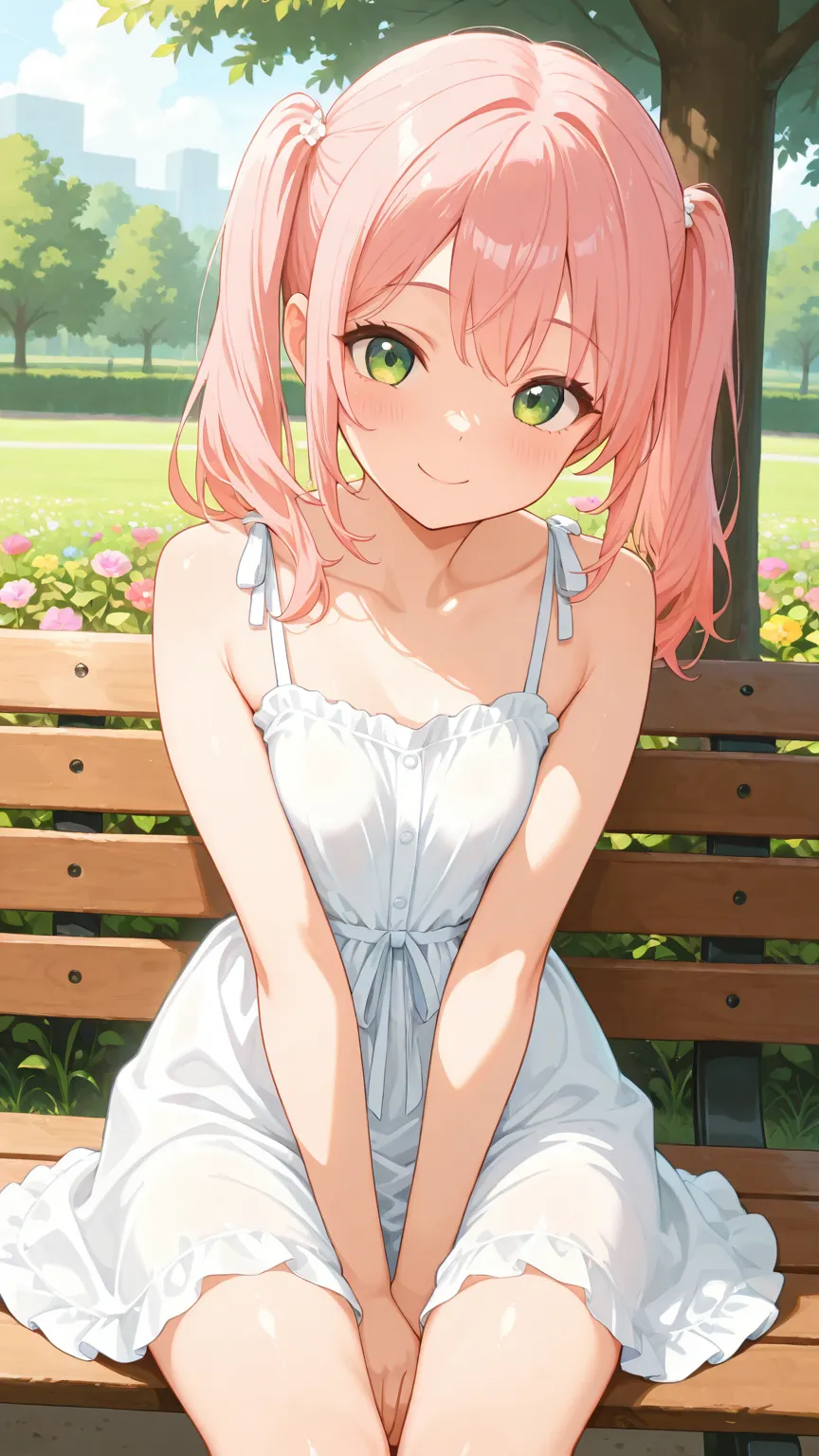
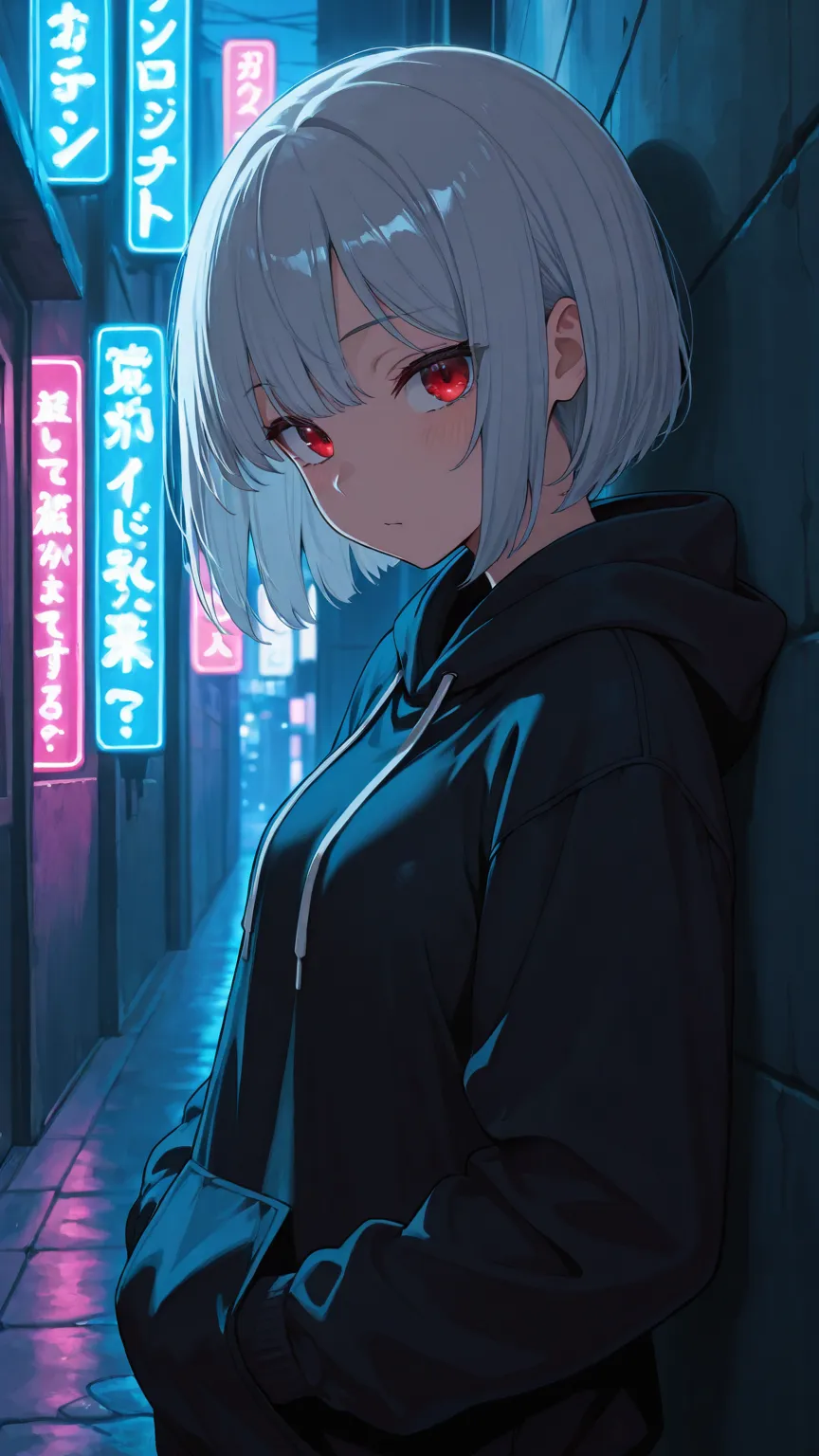
This is the most important step and the one most people skip. Out of 500 generations, expect maybe 10% to be genuinely good. Of those, maybe 10% will be exceptional. Your job is to find those 5 exceptional ones, not to pretend all 500 are keepers.
What to look for when curating:
- Characters that feel distinctive (not another variation of “generic anime girl” — see our guide on overcoming default face syndrome for tips)
- Clean anatomy (wildcards can sometimes produce combinations that confuse the model)
- Interesting compositions (the pose/angle wildcards doing their job)
- Emotional resonance (characters that seem to have personality)
Step 6: Enhance the Winners
Take your curated selections through the post-processing pipeline: upscaling and detail enhancement, ADetailer for face and hand refinement, and any final compositing or correction. This is where you invest quality time — not on every generation, but only on the ones that earned it.
Organizing Your Results
When you’re generating hundreds or thousands of images, organization isn’t optional — it’s survival.
Save resolved prompts. Most wildcard processors can output the final resolved prompt alongside the image. This is essential for reproducing a character you like. Without it, that perfect character is a one-time accident.
Use descriptive folder structures. Organize by checkpoint, by wildcard configuration, by date, or by curation status (raw → reviewed → selected → enhanced).
Tag your favorites. If you find a character concept you want to develop further, save the seed, the resolved prompt, and the checkpoint used. You can feed these back into img2img workflows to iterate on that specific character while keeping their core identity.
How This Connects to AI Companion Platforms
This is how companion platforms populate their character galleries with diverse, unique characters. Instead of manually designing each one, they use wildcard systems to generate thousands of variations and curate the best. It’s also how some platforms offer “random character” or “discover new companions” features.
When you browse the character gallery on Candy.AI or explore new companions on YUKIKO.AI, you’re seeing the output of exactly this kind of pipeline — wildcard-driven generation at scale, followed by curation and quality enhancement. The “create your own companion” features work similarly: the platform takes your chosen traits (hair color, personality, style) and combines them with its own internal wildcard-like systems to generate a unique character.
Platforms that do this well have invested heavily in two things: comprehensive wildcard libraries that produce genuine diversity (not just palette swaps), and robust curation pipelines that filter out the inevitable percentage of garbled outputs. The result is a gallery where every character feels intentionally designed, even though the initial generation was randomized.
The “discover” or “random character” features on companion platforms are the most direct application of this technique. Each time you tap that button, the platform is essentially running a wildcard generation — randomly selecting from its libraries of appearance traits, personality attributes, and visual styles to produce someone new. The good platforms ensure that every combination produces a coherent, appealing character. That’s not luck — it’s a well-tuned wildcard system backed by quality filtering.
Credits & Source
This guide is adapted from nobin’s original Japanese articles on note.com/nobinlog. His wildcard collections, checkpoint comparison methodology, and practical approach to batch character generation (“nagara generation”) form the foundation of the techniques covered here.
Check out his original posts for downloadable wildcard files and full checkpoint comparison galleries: